The promise of MCP is to free professionals from exporting spreadsheets. The real gain shows up when you cross-reference data, and simple lookups gain little.
Connecting a data platform to an assistant solves an old annoyance, which is the distance between the question and the number. The gain shows up when the question is compound, because that is where manual work used to eat hours.
Disclosure: I am a Semrush Ambassador, and this article describes how I use the Semrush MCP in paid work. The description is of my own use, with no privileged access to product information. The criteria here apply to any connection between an assistant and a data platform.
What MCP changes on the path between the question and the number
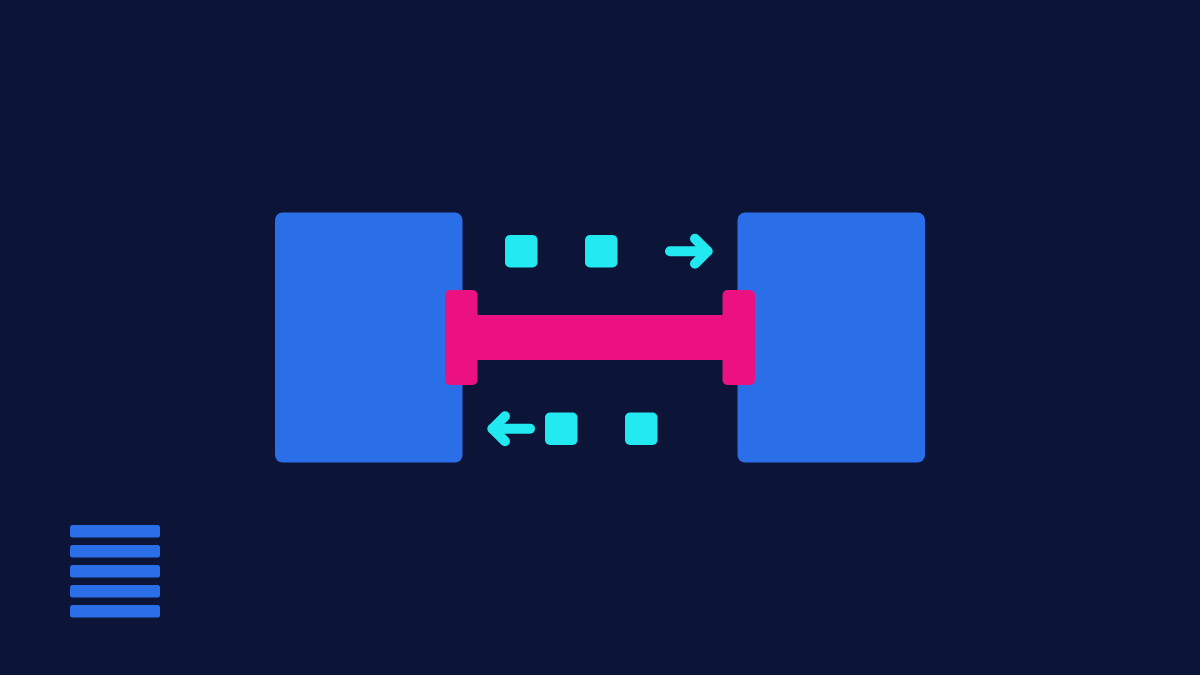
MCP is an open protocol for connecting assistants to data sources. The practical change is one of route. Without it, you export a report, clean up the spreadsheet, paste a slice into the chat and ask for a reading, with the assistant working on a sample pasted by hand. With it, the assistant queries the platform directly and works on what the query returns.
The protocol changes the access route. The quality of the source stays exactly the same, with the same limits of sample, language coverage and update date the platform already had. Speed on top of bad data produces a bad conclusion in less time.
The SEO questions that changed in cost
A simple query was always cheap, and it still is. What was expensive was the compound question, because each export has a fixed prep time and two exports cost the sum of those times plus the reconciliation between them: normalizing URLs, aligning date windows, checking that both samples talk about the same set. Reconciliation was where errors crept in, and it was also where analysis died when the deadline got tight. The weekly reading routine, block by block, is in the weekly routine I run in Semrush.
- Crossing content coverage with technical data. Which pages in the priority territory have crawl problems, in a single question, without exporting two reports and matching the two lists by hand.
- Comparing movement among competitors over time, broken down by page group. The page group breakdown was the part almost nobody did, because it required classifying URLs before comparing.
- Turning a diagnosis into an editorial plan. From what is missing in coverage, generating the list of topics with the reasoning for each one, already tied to the data that justified its inclusion.
The good side effect is that analysis gets redone. When redoing costs minutes, the question gets rephrased three or four times until it is right, and rephrasing the question is the part of analytical work that deadlines used to eat first.
Where I do not use MCP
Prioritization decisions and reading causes stay with me. The assistant delivers the cross-reference in seconds and has no idea which client has a constrained dev team, which template is frozen by a product decision and which territory the board has already decided to abandon.
These three examples share the same nature: the information that decides prioritization lives in conversations, meeting notes and working relationships, outside any connected database. A cross-reference that ignores those constraints produces a list that is technically correct and impossible to execute, and an impossible recommendation lowers the team’s willingness to receive the next one.
Also left out is everything that becomes a signed deliverable without a pass through the original interface. Any number that backs a recommendation, I check in the platform before writing, for the reason in the block below.
The limits I ran into in practice
- Update date. What comes back carries the lag of the platform’s index, which varies by data type. Asking about the current week returns a number that looks current and rests on an old base.
- Quota consumption. Queries got cheap in time and still cost plan units. Running ten variations of one question consumes what used to be one export, and the bill shows up at the end of the month.
- Aggregation done outside the platform. When the sum, the average or the percentage is calculated in the chat instead of coming ready from the source, there is a chance of a total that is plausible and wrong. I ask for the raw data whenever the number is going on a slide.
- No trail. By default, the chat does not keep the link between the number shown and the query that produced it. Without logging the prompt next to the result, the analysis becomes impossible to reproduce within three weeks.
- Client data in a chat. Connecting a client’s database to an assistant is a matter of contract and data policy before it is a matter of productivity, and that check has to happen before the first query.
What I recommend for anyone starting with MCP
- Start with questions you already know how to answer. That is how you calibrate trust in the answer, and it is the only cheap way to find out where the connection gets it wrong.
- Save the prompts that worked, along with the expected result. They become your query library and save most of the time later.
- Log the prompt next to the number in every analysis that turns into a deliverable, so the conclusion stays reproducible after the chat is gone.
- Watch quota consumption in the first weeks, because usage patterns change when querying gets easy. Nothing says “new toy” like a quota burned by day nine.
- Document the limitations you find. They are valuable information for the team and for the vendor itself.
References
Each source was checked on the access date shown.
-
Official documentation
What is the Model Context Protocol (MCP)?
Model Context Protocol
-
Official documentation
What Is Semrush MCP? Live Semrush Data in AI
Semrush, knowledge base